
Xenia Resident Lookup Records
No official source offers a complete answer to who lives at a Xenia address. A careful search uses the record that fits the question, then compares it with an independent source. Property data can establish ownership and parcel context. Court and probate data can establish a dated case role. Voter and vital routes have their own legal boundaries. Keeping those facts separate is the main protection against a same-name error.
| Record | What It Confirms | Where | Access |
|---|---|---|---|
| Auditor parcel record | Owner of record, property or situs address, legal description, transfer context, and any shown tax mailing address | Greene County Auditor Real Estate Search | Public search; ownership and a mailing address are not proof of occupancy |
| Court docket | Party role, case number, and dated docket history | Greene County CourtView | Web coverage and confidential-case limits apply |
| Voter information | Lawfully visible individual registration and polling information | Ohio Find My Information | Individual confirmation, not a public block roster |
| Vital and marriage trail | A historical event or record route, not a present-address conclusion | Greene County Public Health, ODH, and Greene Probate | Custodian procedure and special restrictions control copies |
| Credential or entity filing | A credential, entity, filing role, status, or statutory-agent detail | Ohio eLicense and Secretary of State records | Association clue only; filing addresses may be old or nonresidential |
Start with the narrowest verified fact. An address or parcel points to the Auditor. A known case number points to the court. A historical life event points to the relevant custodian. The route becomes less reliable when a property role, a filing address, or a dated listing is described as present residence.
Xenia Owner and Resident Test
Property ownership is not the same fact as residence. Greene County’s Auditor maintains information on more than 73,000 real-estate parcels, including ownership, property address, legal description, transfers, value, building information, and listed credits. Its search accepts a parcel number, owner name, or address. The first result can establish a property link, but the Auditor warns that electronic information can change and become out of date.
Compare three distinct fields when they are displayed: the owner of record, the situs or property address, and the tax mailing address. A different mailing address may be legitimate and does not establish where anyone lives. A recorded deed adds named grantor or grantee roles and a date, not a household roster. For a person with a common name, retain the parcel number, legal description, transfer date, and source date before checking an unrelated index.
This comparison is a useful Xenia resident lookup safeguard. It prevents an owner, a former owner, a statutory agent, and a resident from being treated as the same role simply because a city label or street name overlaps.
Xenia CourtView Records
Xenia Municipal Court’s official page links its Public Access and CourtView routes and identifies the municipal clerk contact channel.
For Common Pleas cases, Greene County CourtView 2000 says its web information reflects docket entries and Clerk information required by Ohio law. It is updated every 24 hours except weekends and legal holidays, is current as of the prior business day, and may lag filings or judicial action. CourtView does not make court records before 1982 available online. A no-result may therefore signal an older file, a protected category, a spelling problem, or the wrong court, rather than a conclusion about the named person.
| Published CourtView Input | How the Portal Says to Use It |
|---|---|
| Name or Last Name | Search by name, but do not enter a name and case number together. |
| Case Number | Search by case number instead of a name when the number is known. |
| Company Name | Use Company Name or Last Name, not both at once. |
| CourtView Docket | Open the docket to verify service-of-process information as the portal directs. |
A documented accessible CourtView result may show a case number, party or company name, dated docket-entry text, service-of-process information visible in the docket, and any status or disposition fields the live result displays. The published material does not promise document images, a full case file, protected-order records, or pre-1982 cases. Do not invent unavailable filters, result limits, or field labels.
Verify a Xenia Resident Record
Use a short chain of matching, dated facts instead of collecting a pile of unrelated name matches. This process is designed for a lawful personal, family-history, estate, or civic question. It does not turn a court entry or a parcel card into proof of a current household.
- Preserve the original spelling, initials, suffix, date clue, and address or parcel information already found in an authoritative source. Search the Auditor by owner, parcel, or address and save the parcel number and legal description.
- Compare the property address, tax mailing address, owner role, and any recorded transfer. If a transfer matters, use the Recorder to test the grantor, grantee, date, and legal description rather than relying on the street number alone.
- Search Greene CourtView by a name or a case number, not both. Compare a lawful result’s party role, case number, date, jurisdiction, and docket chronology with the property trail.
- Use a probate, vital, voter, or credential source only to answer its own question. For example, a Probate estate file may support an heir trail, while an individual voter confirmation is not a block-level list.
- Keep a source URL and date with each conclusion. If the records conflict or a result is ambiguous, stop and ask the custodian about the specific file or correction path.
- Docket
- The dated log of activity in a court case. It can identify a case and procedural entries, but it is not automatically the full file.
- Index versus image
- An index helps locate a record. An image is a view of the underlying document when the custodian makes one available. Neither replaces an official copy when one is required.
- Certified copy
- A copy issued and certified by the custodian. The issuing office, not a search result, controls its current order procedure and fee.
Xenia Probate and Vital Trails
Greene County Probate Court’s marriage resource says its online court searching covers October 1991 to the present and directs earlier marriage material to the Greene County Records Center and Archives Digital Repository.
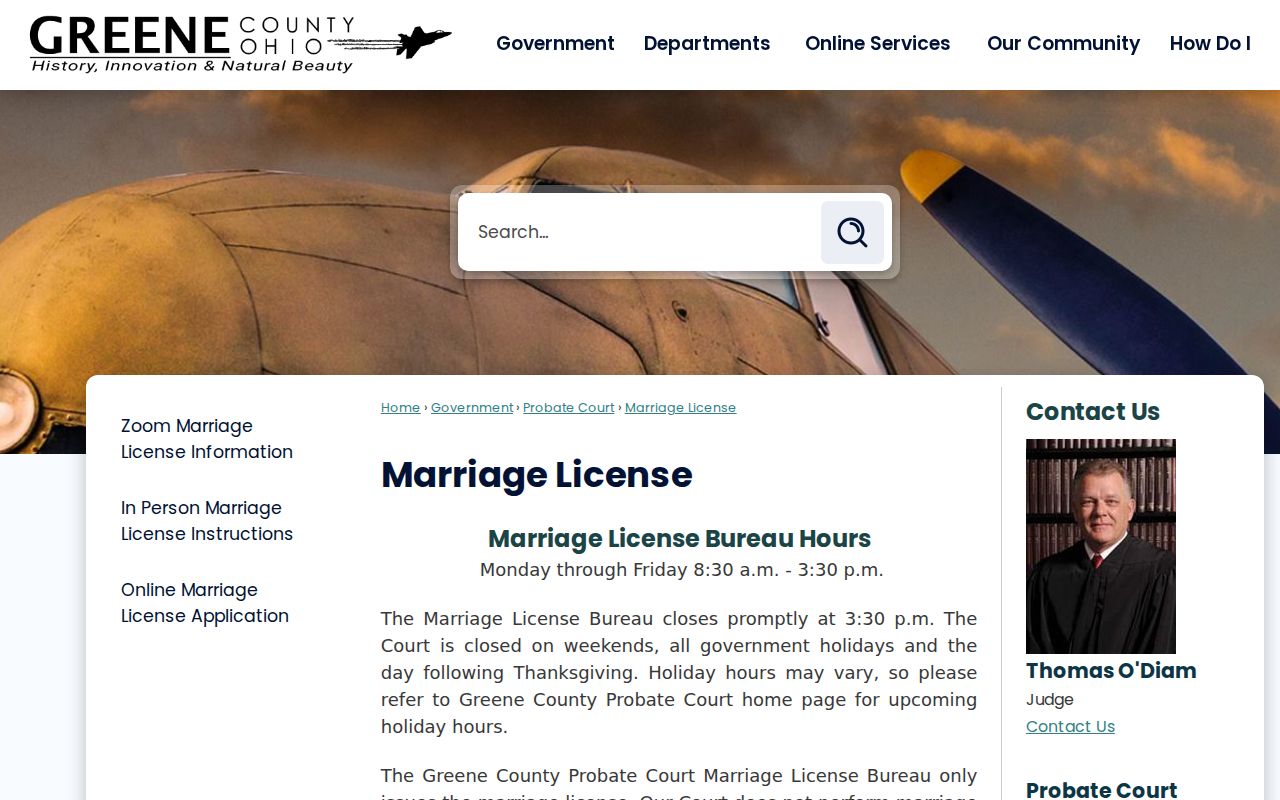
A marriage event is a historical identity clue, not evidence of a current residence. The court’s listed $50 amount is for a new marriage license effective March 1, 2025, not a stated certified-copy price. For a certified record, use the court’s current procedure rather than applying that license fee to another service.
Greene County Probate Court reports docket access except for confidential proceedings and handles estate, guardianship, name-change, trust, conservatorship, land-sale, and marriage matters.
For births and deaths, Greene County Public Health and the Ohio Department of Health are the certification routes. The Greene County Room’s digitized birth and death records cover 1869 through 1909 for historical research. Ohio Revised Code 3705.23 and the custodian’s current form govern vital-record copies, with separate restrictions for areas such as adoption material and recent death-record Social Security information.
Xenia Voter Lookup Boundaries
Ohio’s official Find My Information tool is designed to confirm an individual voter’s registration and polling information. Its published fields require first name, last name, and county, with Greene County selected for a Xenia query. The public-site statute identifies fields such as name, date of birth, current residence address, precinct, registration date, participation history, and last activity date. It does not reveal ballot choices, and primary participation should not be treated as a permanent party-registration label.
ORC 3503.13 governs inspection and copying of registration records and includes confidentiality categories. Ohio Safe at Home is a separate address-protection program. The public individual tool is not permission to build a street roster or infer a protected address. If a correction, precinct question, or lawful local request is needed, use the Greene County Board of Elections and its current policy.
Xenia Credential Associations
Professional and business sources can help distinguish two people with the same name, but their result fields have narrow meaning. Ohio eLicense Verify may show credential status, board, type or number, issue or expiration dates, and board action. The Ohio Secretary of State Business Search supports business name, filing or charter number, and statutory-agent or registrant name routes, while the Secretary of State says it does not maintain ownership or officer lists.
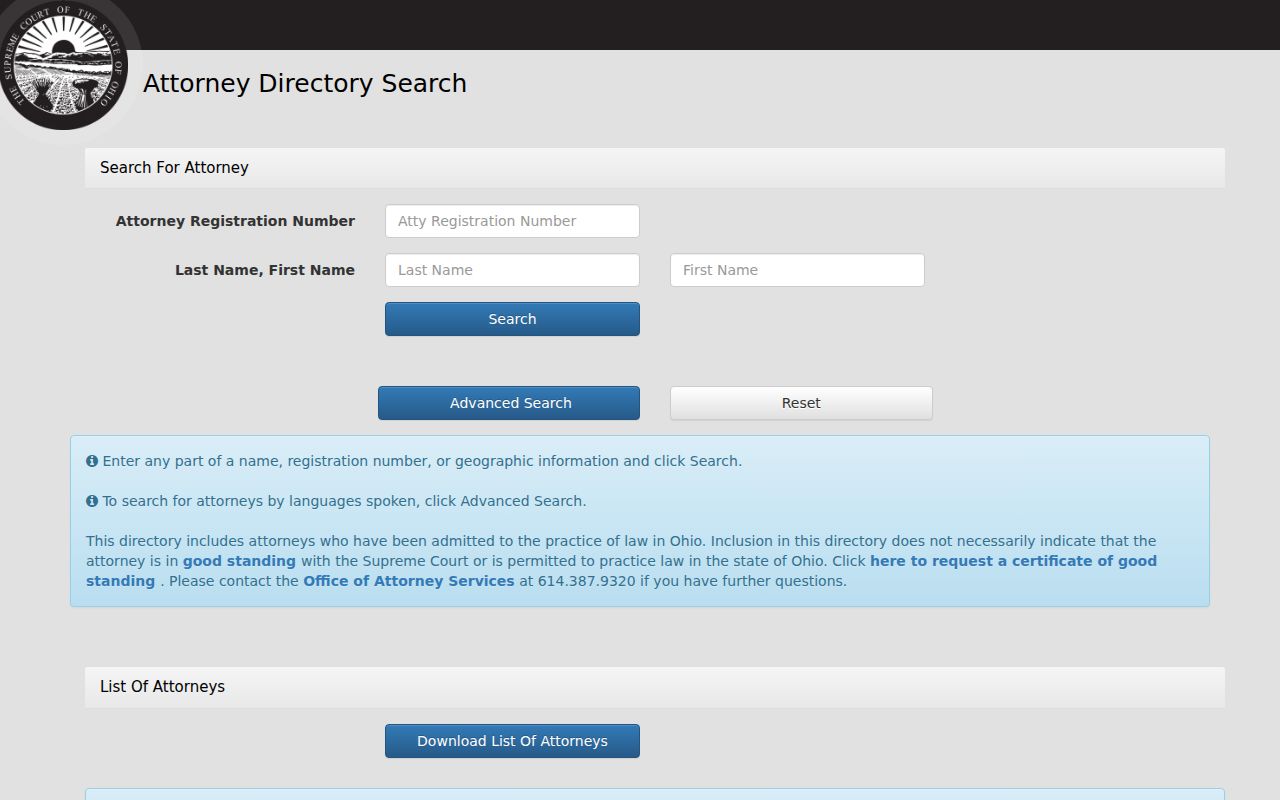
Ohio’s attorney directory is one official professional lookup with registration number, name, city, state, county, ZIP, and language search fields.
A credential or filing supports an affiliation at the recorded date. It does not establish a private home address or resolve identity without another matching official record.
Xenia Resident Lookup Limits
Ohio’s Public Records Act, ORC 149.43, opens existing non-exempt government records but does not erase exemptions, court seals, protection-order redactions, adoption rules, voter confidentiality, address confidentiality, or motor-vehicle privacy limits. Greene CourtView omits specified protection-order matters online. Probate excludes confidential proceedings. Court records may also be sealed or expunged. A protected or absent web result must remain protected or unresolved.
Lawful use. Use a Xenia resident lookup for a lawful personal, family-history, estate, civic, or safety question. Never use a record or search result to stalk, harass, intimidate, or evade an address-protection program.
For a correction, contact the record holder: the Auditor for parcel data, the Recorder for recording or index questions, the Board of Elections for registration, the Clerk or court for dockets and files, and the local registrar or ODH for vital records. Keep the record date and source with the request.
Xenia Records Fallbacks
A no-result is not conclusive when an official portal has a stated coverage boundary. For a pre-1982 CourtView question, contact the Clerk or courthouse counter about an archived file or copy route. For an older marriage question, use the Records Center and Archives repository. For an historic household question, use the Greene County Room’s printed directories, microfilm, yearbooks, cemetery inscriptions, and digitized historical collections rather than a modern database.
When a specific existing non-exempt record is not available through its dedicated portal, make a focused Ohio Public Records Act request to the specialist custodian. State the known name, case or instrument number, date range, and the record sought. Accept lawful redactions and do not use a records request as a route around confidentiality or Safe at Home protections.